Start with the page.
Capture the visible area, crop a region, or capture an ordinary scrolling page. You can also import your own image.
THE LAST STEP BEFORE YOU SHARE
Capture a webpage. Mark what matters. Cover the details that belong to you. Review the actual image before it goes anywhere.
No account. No screenshot uploads. No AI API.
THREE STEPS. ONE READY IMAGE.
Capture the visible area, crop a region, or capture an ordinary scrolling page. You can also import your own image.
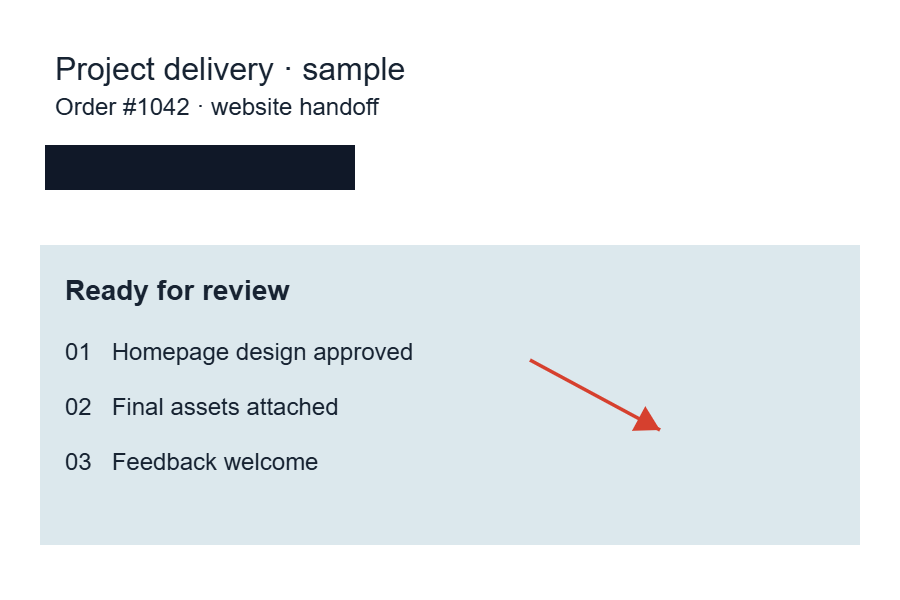
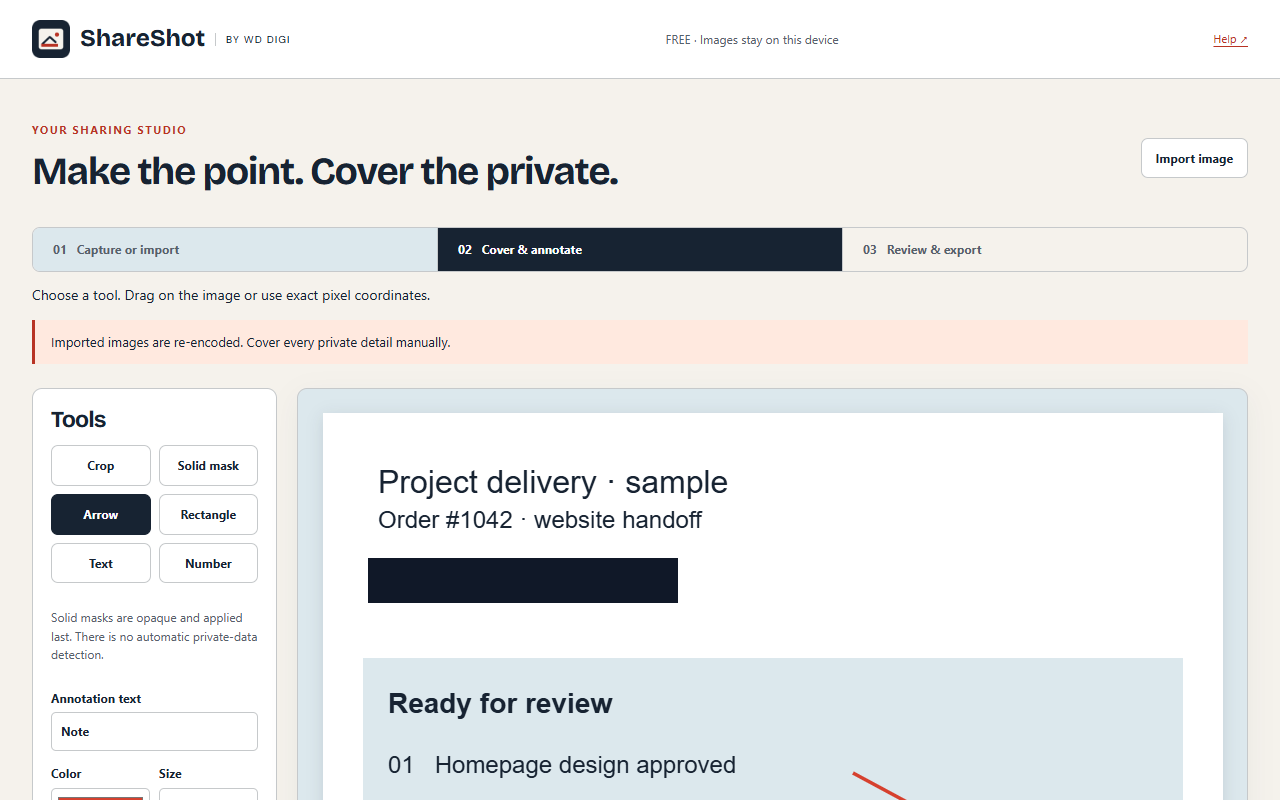
Add arrows, notes and numbered steps. Drag a solid mask over emails, addresses and other details you choose to cover.
Inspect the flattened final image at full size. Then export or copy. ShareShot leaves sharing to you.
FOR ORDINARY MOMENTS
Useful whenever a screenshot needs context and a few private details need covering. Work feedback, customer support, tutorials, purchase confirmations and everyday messages.
ShareShot works on your device. Screenshots are not sent to a cloud service. Original pixels and undo history live only while the editor is open.
No automatic privacy guarantee. Solid masking is manual. Review the complete final image, including small text and other private details.
Full-page capture has limits. Nested scrolling, changing layouts, protected pages and other complex pages may need visible capture instead. Check compatibility.
FREE FIRST. PRO WHEN READY.
Capture, crop, annotate, cover and export without a license. Pro v1 adds workflow presets and multi-image reports when paid activation is launched.
Payment channels: Lynk.id for Indonesian buyers and Gumroad for global buyers. Sales are being prepared.
See Free and planned Pro features →YOUR EVERYDAY TOOLKIT
GOOD TO KNOW
No. You choose every mask and inspect the final image. It does not use OCR, AI or automatic private-data detection.
Exports contain newly encoded, flattened pixels, with opaque masks applied last. Original screenshots and editable layers are excluded. Other unmasked areas can still contain private information you missed.
No. It supports ordinary top-level scrolling pages within resource limits. Dynamic feeds, nested scrollers, canvas/video, PDF viewers and protected pages are outside its supported scope. See the limits.
They stay in this editor until you export, copy or close it. There is no hidden screenshot archive or cloud link storage. Read the policy.
The listing is being prepared. A manual-install Free ZIP is available; the official store link will be added after approval.