Start with the page.
Capture a webpage or import a PNG, JPEG or static WebP. Crop down to the part that matters.
 ShareShot
SCREENSHOTS WITH SOMETHING TO SAY
Capture a page. Mark what matters. Cover private details before you send it. Bring reviewed images together in a Pro report.
Free everyday captures. No screenshot uploads. No AI key.
FROM THE PAGE TO YOUR NEXT MESSAGE
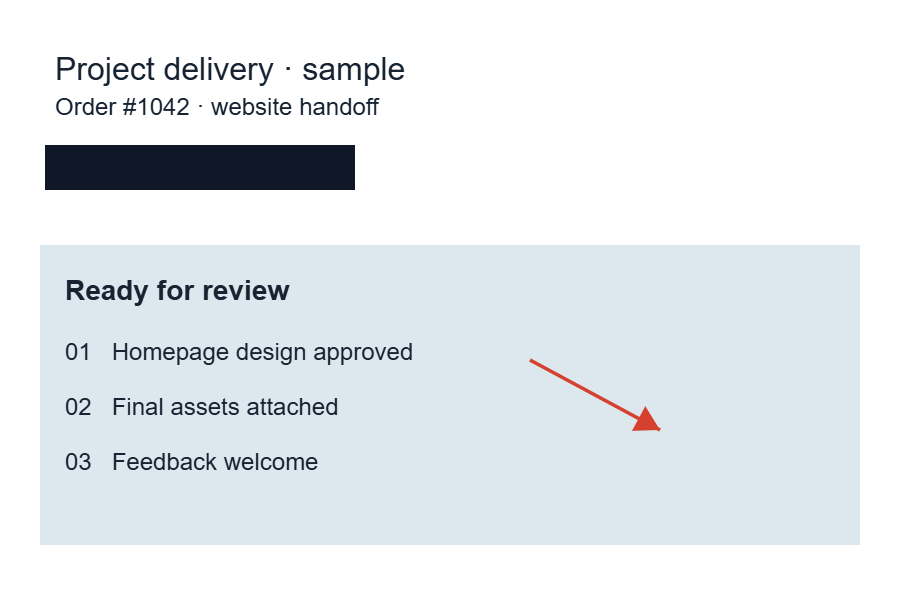
Capture a webpage or import a PNG, JPEG or static WebP. Crop down to the part that matters.
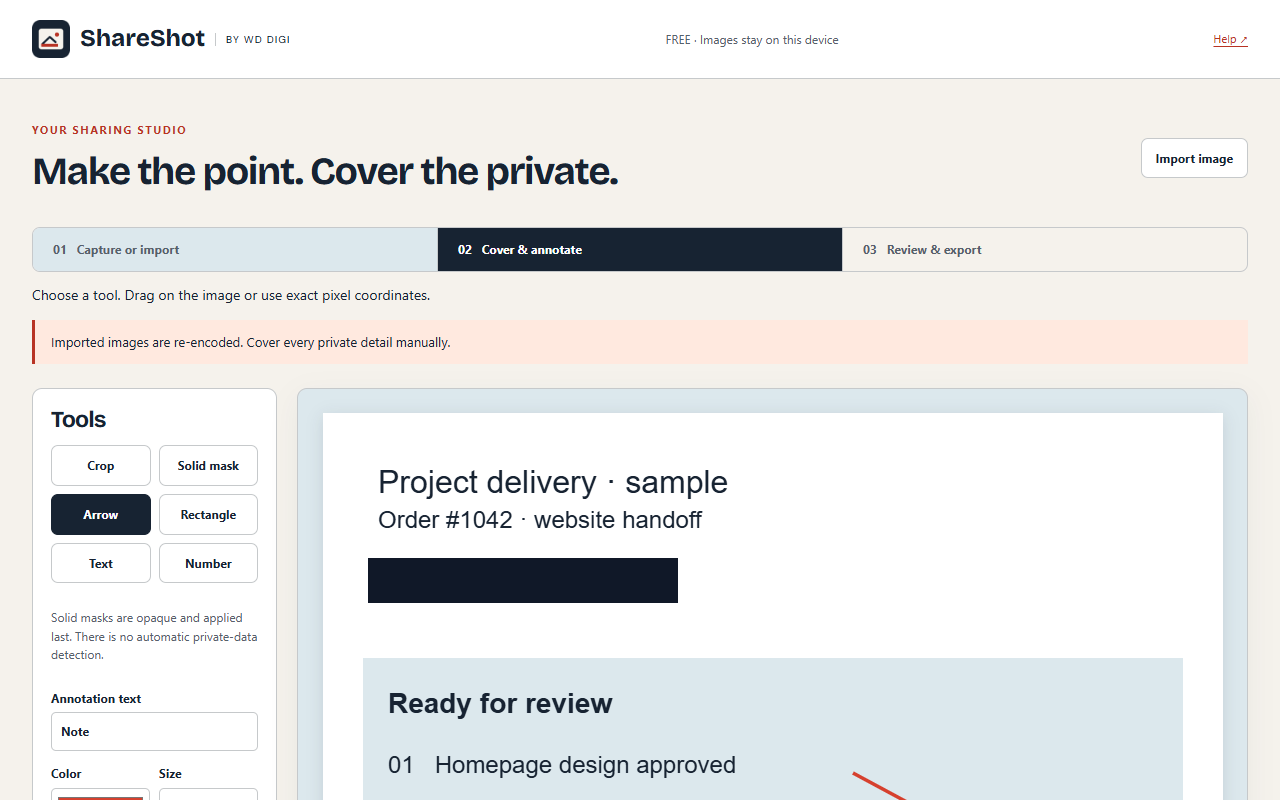
Add arrows, notes, rectangles or numbered steps. Cover details manually with an opaque solid mask.
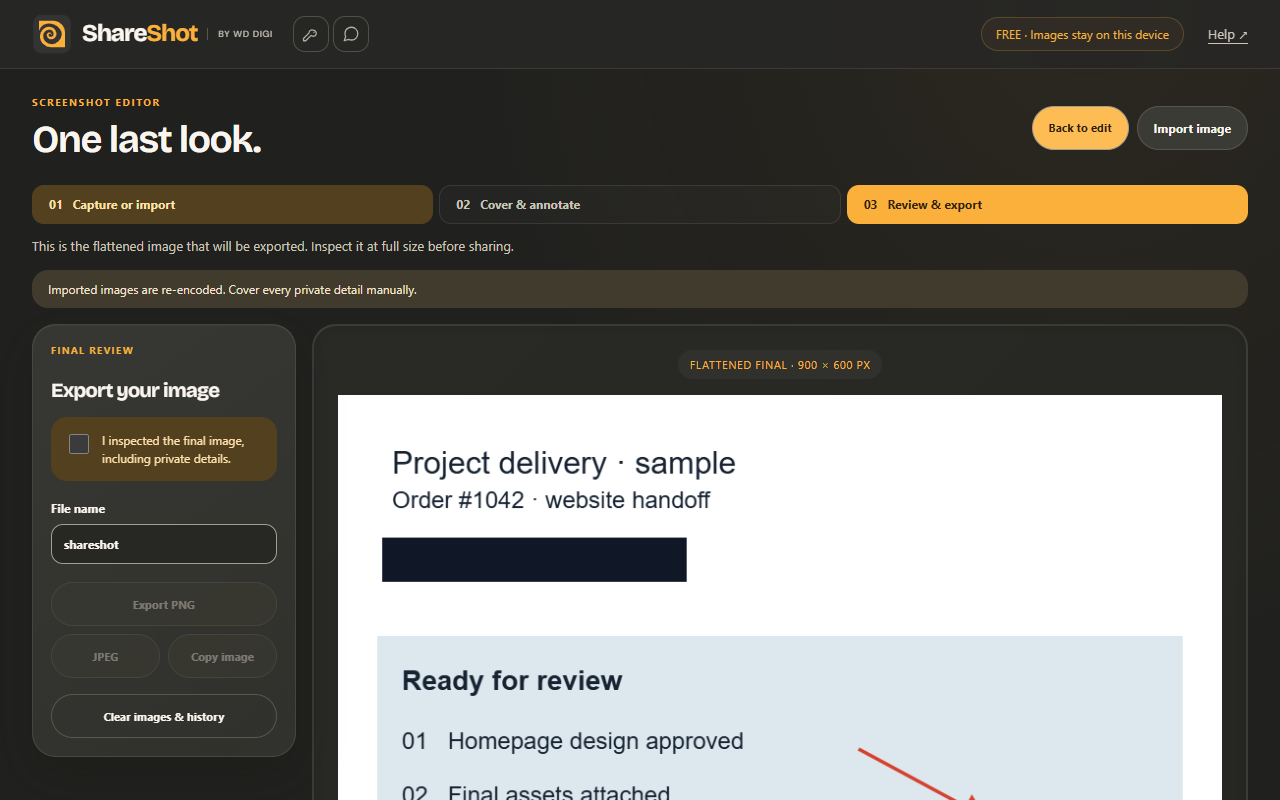
Inspect the flattened final image, confirm your review, then export or copy it. You decide where it goes.
FOR WORK YOU NEED TO EXPLAIN
Show a client the exact section to change. Give a developer a visual reference. Add context to a support reply.
Your images stay on your device. There is no cloud gallery, hosted share link or automatic sending.
Masking is manual. Complex or protected pages may not support full-page capture. Capture limits →
FREE & PRO
Free includes capture, crop, annotations, solid masks, review and individual PNG/JPEG/clipboard exports, without a daily capture quota.
Pro adds saved export preferences, contact sheets and reports with up to 10 reviewed images. Export HTML and use browser Print to save a PDF.
Compare Free & Pro →SHARESHOT PRO
US$9 / 365 days
Global subscription renews automatically. Applicable tax is added at checkout.
Rp49.000
Indonesia billing country only. One payment for 365 days; no automatic renewal. Final checkout total.
Choose your planOne license, one Chrome profile. Free features do not require a license.