 ShareShot
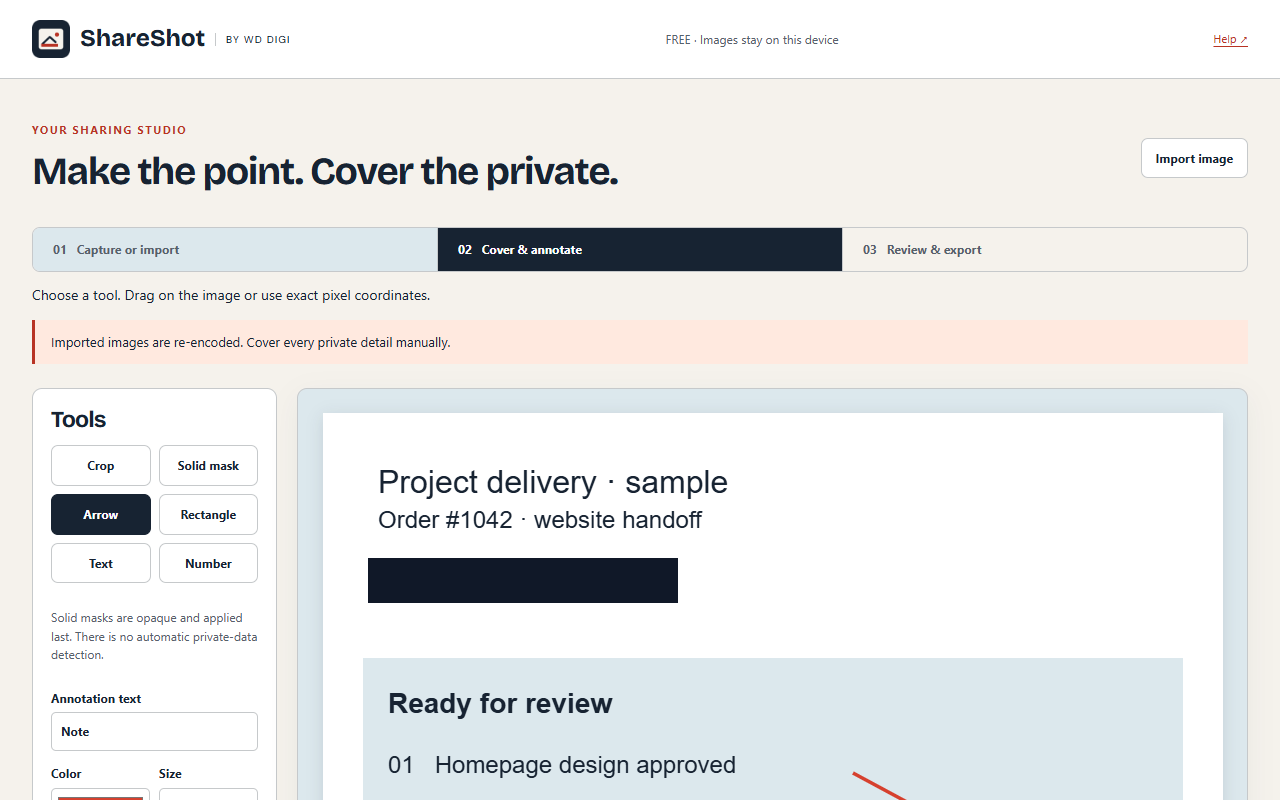
Choose the capture you need
Capture a supported visible region, selection or full page, or import an image. Free includes cropping, annotations and numbered callouts without a daily capture quota.
Mask details before export
Use solid masking for private details, then inspect the exported image. Check browser chrome and the rest of the image as well as the annotated area.
Combine reviewed images into a report
Save PNG or JPEG, or copy to the clipboard. Pro adds layout presets, contact sheets and reports containing up to ten reviewed images, with HTML and print PDF report output.
Included in Free
Supported visible/region/full-page capture, image import, crop, annotation, numbering and solid masking; PNG, JPEG and clipboard. No daily capture quota.
Optional Pro
Layout presets, contact sheets and reports with up to ten reviewed images; HTML and print PDF reports.
A clear bug report
Capture the affected screen, number the steps or problem areas and mask account information. Review the image before attaching it to your issue. For several screens, assemble a Pro report.
Before you begin
Chrome restricts capture on internal and other protected pages. Full-page capture also depends on page layout. Always inspect masks and the final exported file before sharing.